User Authentication
User Login
This feature allows you to securely log into the Rule Manager application using Keycloak Identity Management system, ensuring secure and standardized access management.
Enter your username and password, then click the “Sign in” button and you will be redirected to the application’s main page.
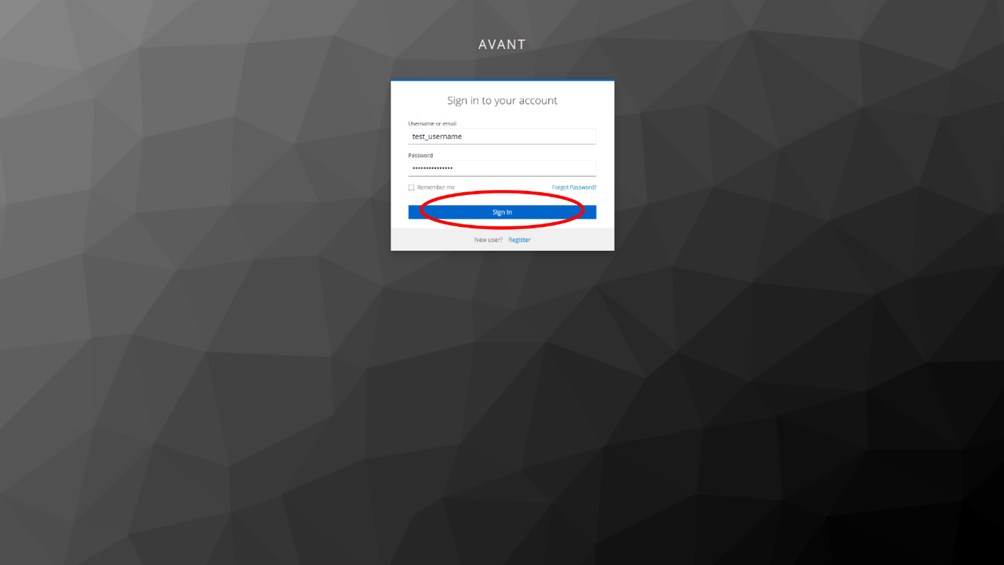 User Login
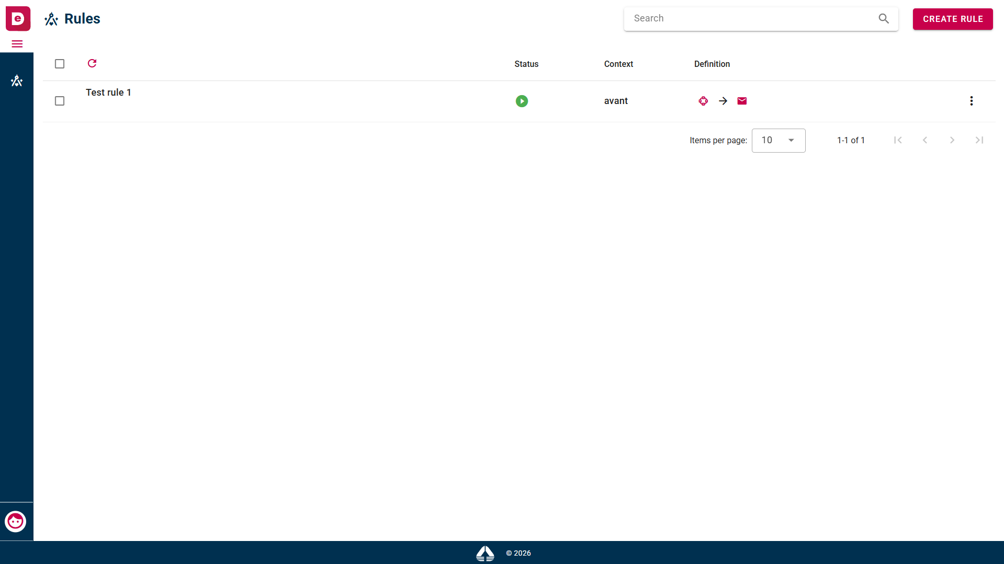 Interface after
successful login
Interface after
successful login
User Logout
This feature allows you to securely log out of the application, terminating your active session. The logout option is accessible from the user’s profile or menu settings. After logging out, you are redirected to the login page.
You click on the profile icon on the bottom left of the page and then select the “Log out” option.
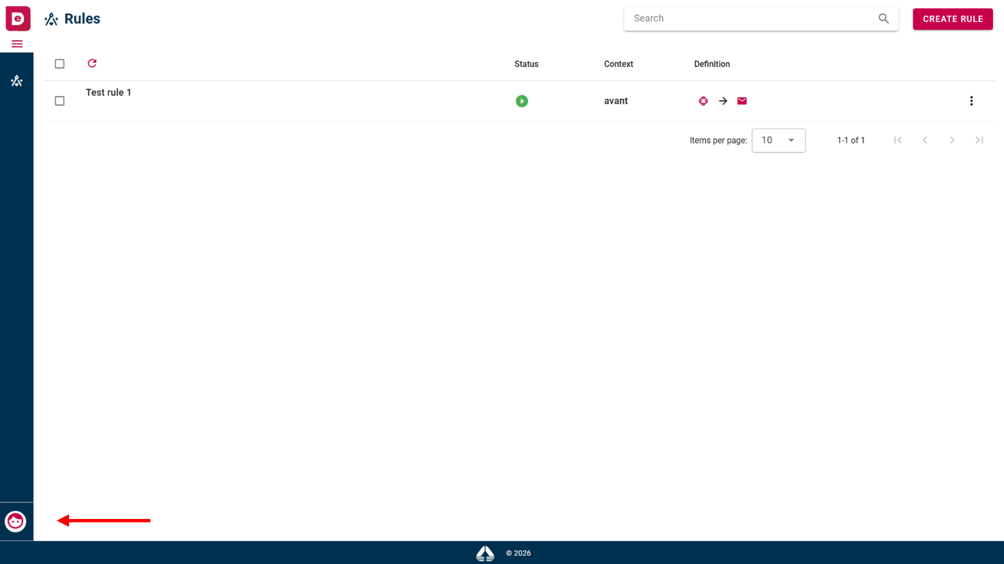 Profile icon
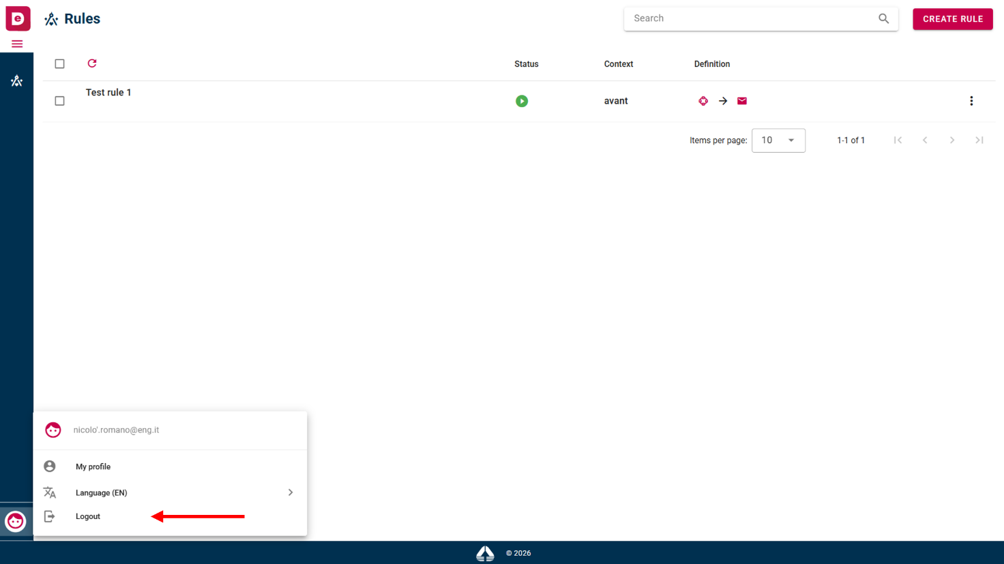 Logout option